


Last updated: October 2026
Quick answer: A WiFi solution for factory floors is a planned set of business access points, PoE switches and cabling that covers sheds, stores and the office from one managed network. Dead zones are almost always a placement and cabling problem, not a signal power problem. Fix the design first.
Most plants already have WiFi of some kind. A home router sits in the MD’s cabin, two repeaters were added later, and the network has limped along since. The barcode scanner drops in aisle 4. The supervisor’s tablet works only near the office block.
A WiFi solution for factory sites is a different animal from a router. This post lists the 7 fixes we apply, in the order we apply them, and what to check before you buy more hardware.
Table of Contents
What does a WiFi solution for factory floors include?
A WiFi solution for factory floors includes four parts: a wired backbone, PoE switches, business access points, and one controller that manages every access point from a single screen.
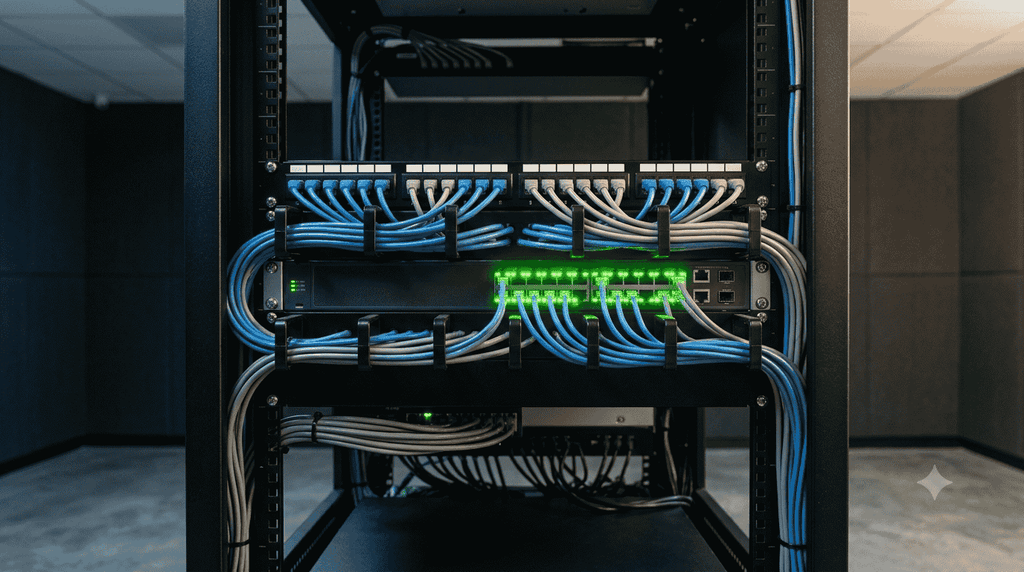
The backbone is Cat6, or fibre between buildings, running back to a central rack. The switches send power and data to each access point over the same cable. The access points do the radio work. The controller keeps names, passwords, channels and firmware identical everywhere, so a worker walking from the store to the packing hall stays connected instead of reconnecting by hand.
Skip any one part and you get the network most plants already have: patchy, slow after lunch, and impossible to troubleshoot.
Why a home router is not a WiFi solution for factory sheds
A home router is built for a flat with brick walls and around 10 devices. A shed is a metal box with moving steel, machines throwing electrical noise, and 60 or more devices connecting at shift change.
Two things break first. The router runs out of client capacity and starts dropping connections. Then the repeaters, which cut throughput at every hop, turn a weak signal into a slow one. Adding a third repeater makes it worse, not better.
7 proven fixes for bad signal and dead zones
Fixing dead zones and poor signal in an industrial plant requires a structured approach rather than adding more repeaters. When implementing a WiFi solution for factory sites, work through these fixes in order
- Survey before you buy. Before investing in a WiFi solution for factory floors,Walk the full site with a laptop and a signal tool, with machines running. Afternoon readings differ from morning readings. Mark the dead spots on a floor plan, then count access points. Buying first and surveying later is how plants end up with hardware they cannot use.
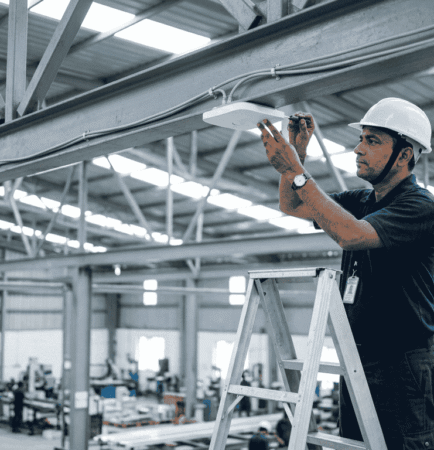
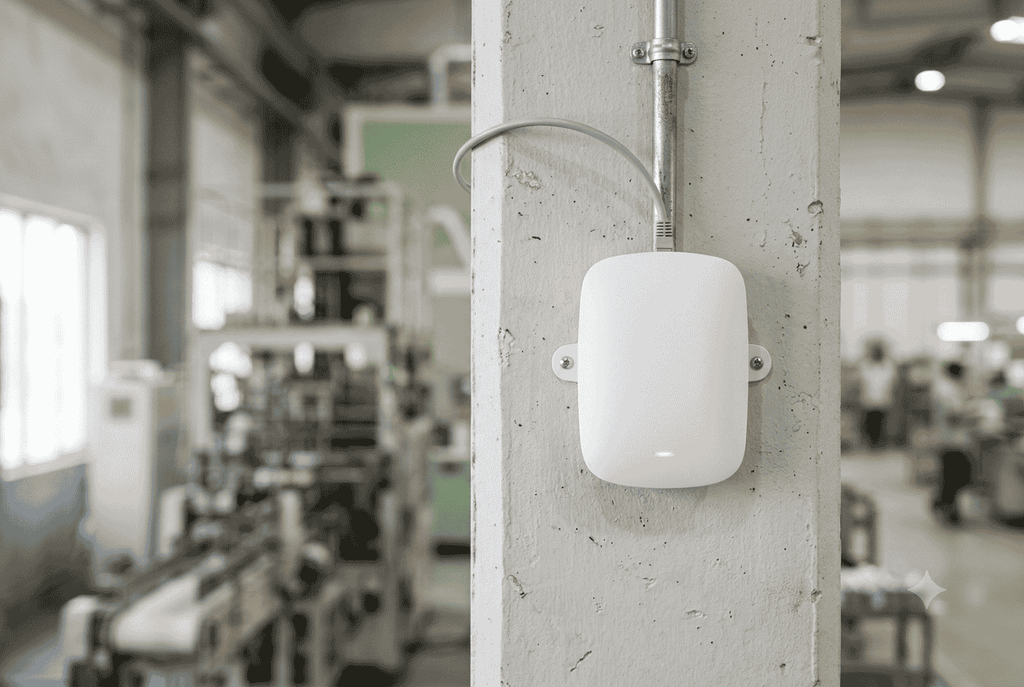
- Mount access points in the open, below the racking line. A unit hidden above a false ceiling, inside a metal panel or on top of a 6 m rack loses most of its signal to steel. Fix them to columns or low trusses, facing the working area.
- Run Cat6 to every access point and power it over PoE. One cable for data and power keeps the install clean and lets you restart a unit from the rack. Respect the 100 m limit per run, and put a switch inside the shed when the distance is longer.
- Stop extending coverage with repeaters. Every wireless hop costs speed. Cable the access points instead. Where cable cannot cross a road or yard, use a point-to-point wireless bridge, which is made for that job.
- Match the hardware to the environment. A durable WiFi solution for factory areas with Oil mist, lint, chemical fumes and washdown zones need a sealed, IP-rated industrial access point rather than standard plastic units
- Split the network. Keep office, machines, CCTV and guest traffic on separate VLANs with separate passwords. One infected laptop should not be able to reach plant equipment.
- Plan channels, not power. Two access points shouting on the same channel interfere with each other. Set channels and power levels in the controller, and leave 2.4 GHz free for scanners and older machine panels that cannot use 5 GHz.
WiFi for warehouse aisles: what metal racking changes
WiFi for warehouse areas needs more access points than the same floor area in an office, because racks loaded with goods block the signal.
Signal travels down an aisle, not through it. One unit in the centre of a warehouse covers the first aisle well and the rest badly. Place units along the aisles, and recheck coverage after the racks are loaded. An empty warehouse gives you readings you will never see again.
Cold storage is its own case. Insulated panels and metal doors cut coverage sharply, so plan an access point inside the chamber if scanners are used there.

Choosing the right access point for your WiFi solution for factory plants
Choose by where the unit will sit, not by the speed printed on the box.
| Access point type | Best for | Watch out for |
|---|---|---|
| Indoor ceiling or wall unit | Offices, QC rooms, canteens, light assembly | Dust and oil mist shorten its life in process areas |
| Outdoor, IP-rated industrial WiFi access point | Sheds, loading bays, yards, covered storage | Needs surge protection on the data cable |
| Point-to-point wireless bridge | Linking a second shed or gate cabin without digging | Needs clear line of sight; one blocked path kills the link |
| Wall-plate unit | Site offices, meeting rooms, hostels | Handles few devices each |
Speed ratings are measured in open air. Inside a shed, placement decides what you actually get.
What changes for plants in Vapi GIDC, Silvassa and Daman?
Three local conditions decide how long a WiFi solution for factory units in this belt keeps working: dust, power and heat.
Fine dust and chemical fumes settle inside vents and on connectors. Sealed units outdoors and quarterly cleaning indoors both help. Voltage swings hit the rack hardest, so keep the switch and controller on a UPS. Otherwise the whole network drops every time the supply dips.
One rule changed recently. In January 2026 the Ministry of Communications made the lower 6 GHz band licence-free for low-power indoor and very-low-power outdoor wireless use, which brings Wi-Fi 6E and Wi-Fi 7 into play for Indian plants. Useful indoors. Not a plan for yard coverage, and no help at all if your scanners are 2.4 GHz only.
How A&T Technologies plans a WiFi solution for factory sites
A&T Technologies, an IT sales and service company in Vapi, Gujarat, starts with a free site audit. An engineer lists every device and walks the plant before anything is quoted.
Then comes an honest recommendation, including the areas where you do not need an access point, a written scope with inclusions and exclusions, and networking and structured cabling work done with labelled runs so faults can be traced later. We work with brands such as TP-Link, whose business access point range covers indoor, outdoor and bridge units.
Frequently asked questions about a WiFi solution for factory sites
How many access points does a factory need?
The count depends on floor area, racking height, wall material and how many devices connect at once. A packed warehouse can need three times the access points of an open assembly hall of the same size. A survey with machines running gives the real number.
Is Wi-Fi 6E or Wi-Fi 7 worth it for a plant in 2026?u003cbru003e
Only if your devices support it. The lower 6 GHz band became licence-free in India in January 2026, so Wi-Fi 6E and Wi-Fi 7 equipment now works indoors here. Most barcode scanners and older machine panels still run on 2.4 GHz and will not get faster.
Can WiFi replace cabling for machines on the shop floor?
For tablets, scanners and data collection, yes. For PLCs, cameras and anything that must not drop, keep the cable. We cable fixed equipment and use wireless for things that move. Replacing all cable with WiFi is a bad idea in a plant.
Can one network run CCTV and office computers together?
Yes, on one physical network with separate VLANs. Keep cameras on their own segment and their own switch ports, because video traffic is heavy and constant. A flat network shared by CCTV, Tally machines and guest phones is how slow afternoons begin.
What does a factory WiFi setup cost?
Cost depends on the area covered, the number of access points, cable run lengths, whether outdoor-rated units are needed, and the switch and UPS at the rack. Any figure quoted before a site survey is guesswork. Final cost depends on the site survey.u003cbru003eGet a WiFi survey for your plant in Vapi
What does a factory WiFi setup cost ?
Get a WiFi survey for your plant in Vapi
Send us your shed layout, or let an engineer walk the site. We will design a custom WiFi solution for factory operations complete with access point placements, cable routes, and a transparent scope of work.
Call or WhatsApp: +91 88660 33354 · Email: sales_india@a-ttechnologies.com
Office: D-311, 3rd Floor, M-Cube, Near Bombay Restaurant, Balitha, Vapi – 396195, Gujarat
Also read: Computer AMC services in Vapi · IT infrastructure setup for offices and plants