

Last updated: November 2026
Quick answer: NAS storage in Vapi gives an office one secure place on the network for shared files and backups, with drives that keep working if one fails. Offices switch from pen drives and old PCs because a NAS is quicker to set up and usually cheaper than a server. It still needs a separate backup copy.
Open any small office in Vapi and the company’s files sit in four places: a PC acting as a server, a few pen drives, the accountant’s laptop and old WhatsApp chats. Then one hard disk dies, and nobody knows which copy is the latest.
A&T Technologies, an IT sales and service company in Vapi, Gujarat, wrote this for owners and admin managers who are tired of that. You will see what NAS storage in Vapi is, five reasons offices are switching, and when a NAS is the wrong choice.
Table of Contents
What is NAS storage in Vapi and how does it work?
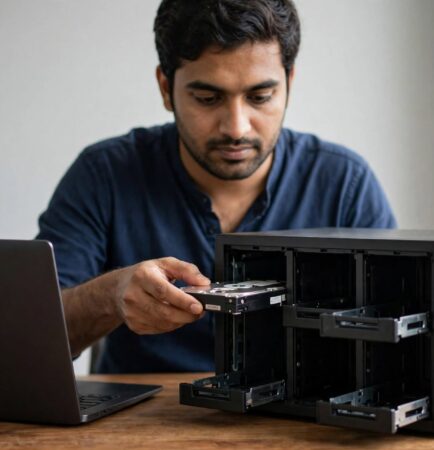
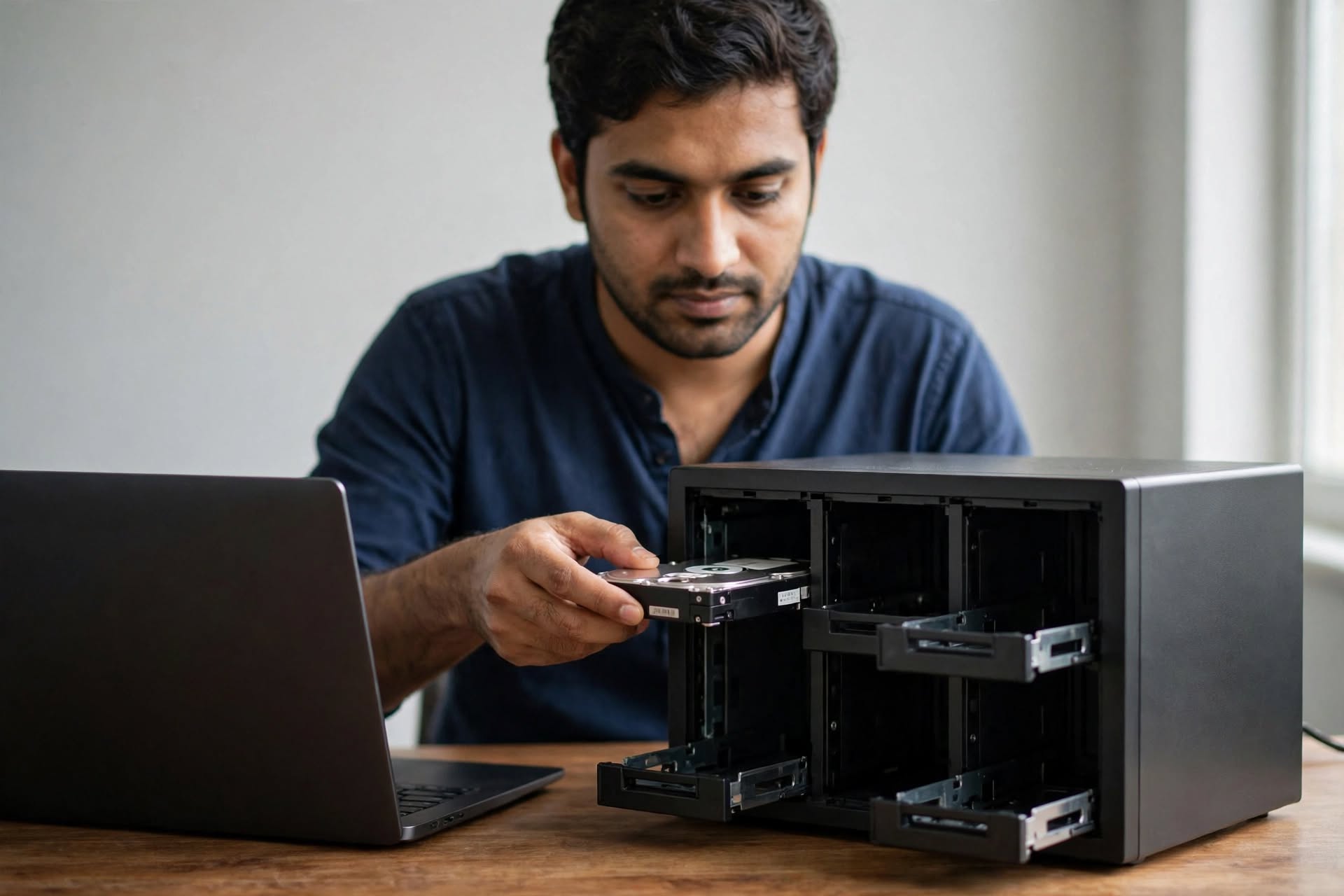
NAS storage in Vapi means a network attached storage device: a small storage computer with its own drives and software, plugged into your office network. Everyone opens the same shared folders from their own PC, and the NAS keeps the files, permissions and backups in one place.
How is a NAS for office use different from a server?
A NAS for office use is a ready-made appliance, so it can be set up in hours, and it usually costs less than a server with similar storage. A server is better for heavy applications and tighter user control. The trade-off: a NAS is one box, so even with RAID it can be a single point of failure.
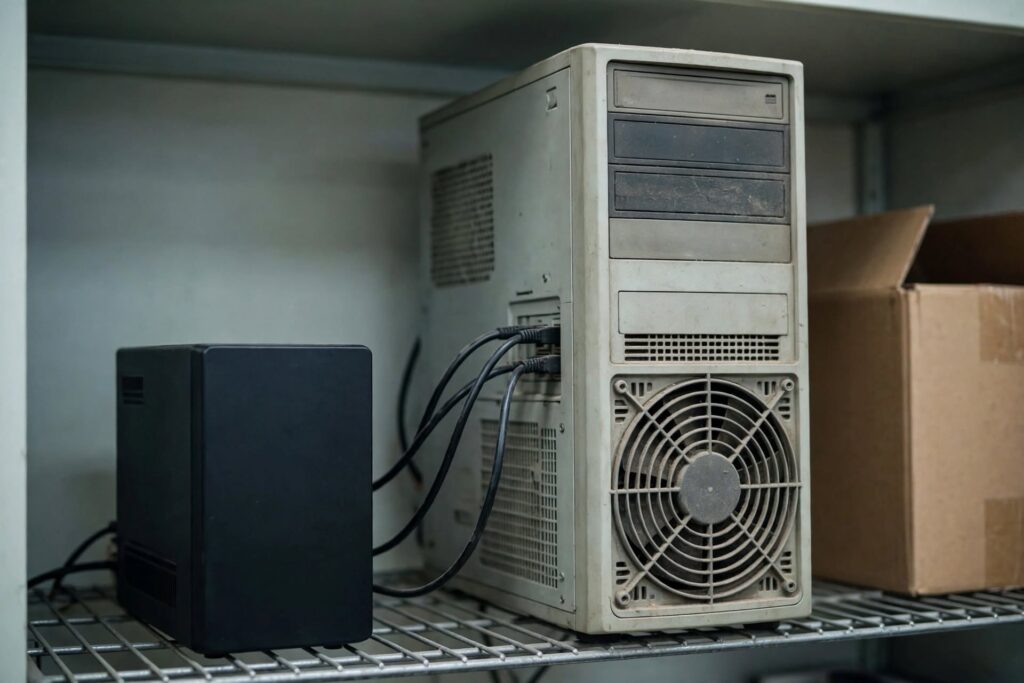
Why are offices switching to NAS storage in Vapi?
Five reasons come up again and again when offices replace pen drives and old PCs.
- One place for every file. Shared folders replace pen drives and emailed copies, so everyone works on the latest version. Permissions decide who sees accounts, HR files or drawings.
- Lower cost and faster setup. A NAS is usually cheaper than a server, and an engineer can set it up in hours, not days.
- Work continues when a drive fails. With RAID, the NAS keeps running after one drive dies. But RAID is not a backup: it also copies deletions, mistakes and ransomware to every drive.
- Automatic backups and snapshots. The NAS can collect nightly backups from PCs, and snapshots let you roll back a deleted folder. QNAP notes that immutable snapshots help defend against ransomware. Our Tally data backup solution for Vapi businesses shows what to back up.
- Easy to grow. Add drives to empty bays instead of buying a new server, so NAS storage in Vapi grows with your office. Owners can reach files from home, but only behind a firewall and VPN.

Which NAS storage in Vapi setup suits your office?
Choose by the number of users and the cost of losing files. For up to about 10 users who only share files, a 2-bay NAS with mirrored drives is usually enough. For 10 to 30 users, a 4-bay NAS gives more space and better protection. If you need domain logins or run heavy database software, buy a server instead.
| Setup | Best for | Watch out for |
|---|---|---|
| 2-bay NAS, mirrored drives | Up to about 10 users, file sharing | Half the raw space goes to the mirror |
| 4-bay NAS, RAID 5 or 6 | 10 to 30 users, backups and archives | Long rebuild after a drive fails |
| Server instead of NAS | Domain logins, heavy databases | Higher cost, longer setup |
What should you check before buying NAS storage in Vapi GIDC?
GIDC conditions are harder on a NAS than a clean city office. Check these five things first:
- Drives: use drives built for NAS use, not desktop drives, because they run all day.
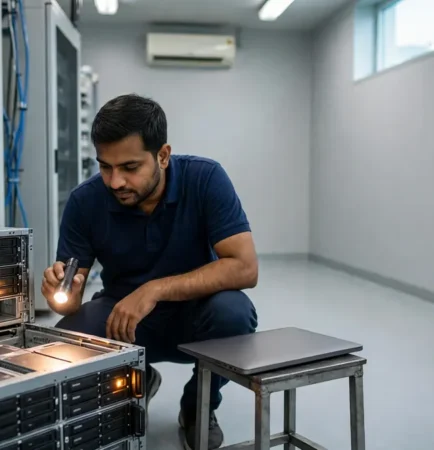
- Place and power: keep the NAS in a closed, ventilated cabinet away from dust, on a UPS, so a voltage swing or power cut cannot corrupt the array.
- A second copy: keep one backup outside the NAS, ideally off-site. Our data backup and disaster recovery plan for factories in Vapi shows how.
- Capacity: buy space for the next three years, not just today.
- Remote access: keep it off unless a firewall protects the NAS.
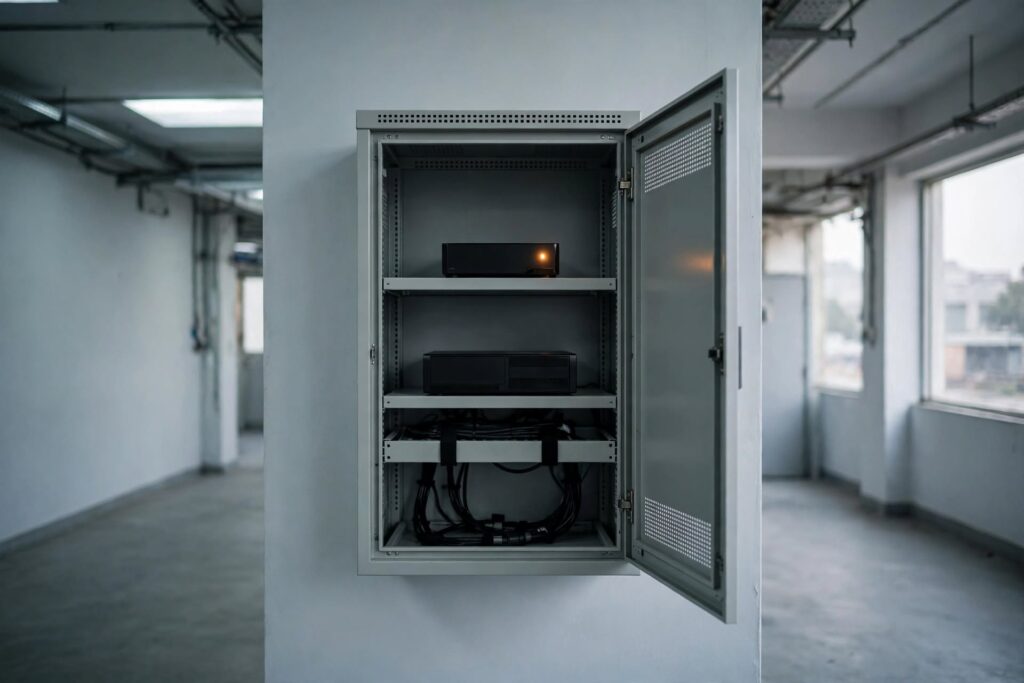
How A&T Technologies sets up NAS storage in Vapi
A&T Technologies handles IT infrastructure for offices and plants across Vapi, Silvassa, Daman and Valsad, including servers and storage, and we work with brands such as QNAP. We start with a free site audit: an engineer lists your devices and files, then gives an honest recommendation, including when a NAS is not the right fit.

Frequently asked questions about NAS storage in Vapi
What is NAS storage in Vapi?
NAS storage in Vapi is a network attached storage device that gives an office one shared place for files and backups. Staff open shared folders from their PCs, and the NAS manages permissions, RAID protection and automatic backups. It suits offices of up to a few dozen users.
Is a NAS the same as a backup?
No. RAID inside a NAS protects against a failed drive, not against deletion, ransomware or a power surge that hits every drive. Keep a second copy on a separate device, and one off-site. The NAS can hold backups of your PCs, but it needs its own.
How much NAS storage does an office need?
Add up your current data, then plan for three years of growth and allow for RAID, which uses some space for protection. A 2-bay mirrored NAS gives the capacity of one drive. A site audit gives a firmer number than guessing.
Can a NAS for office use replace a server?
For file sharing and backups, often yes. A NAS cannot replace a server that runs domain logins, ERP or heavy databases. If an old server only holds shared folders, a NAS can replace it with far less effort.
Get a storage check for your Vapi office
Considering NAS storage in Vapi? A short site visit is enough to size your storage, plan the backup and tell you if a NAS is the right fit. If it is not, we will say so.
Call or WhatsApp: +91 88660 33354 · Email: sales_india@a-ttechnologies.com
Office: D-311, 3rd Floor, M-Cube, Near Bombay Restaurant, Balitha, Vapi – 396195, Gujarat
Contact us
Also read: Data backup and disaster recovery plan for factories in Vapi · IT support in Vapi GIDC