

Last updated: October 2026
Quick answer: A computer AMC for schools and colleges is a yearly contract where one vendor maintains every computer, printer, UPS and network device on campus for a fixed fee. A good contract lists each device by name, fixes visit dates around the academic calendar, and states in writing what is excluded.
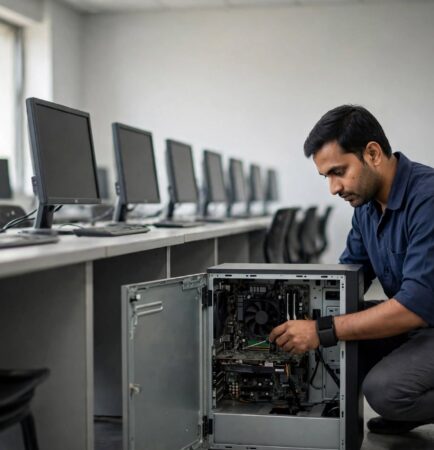
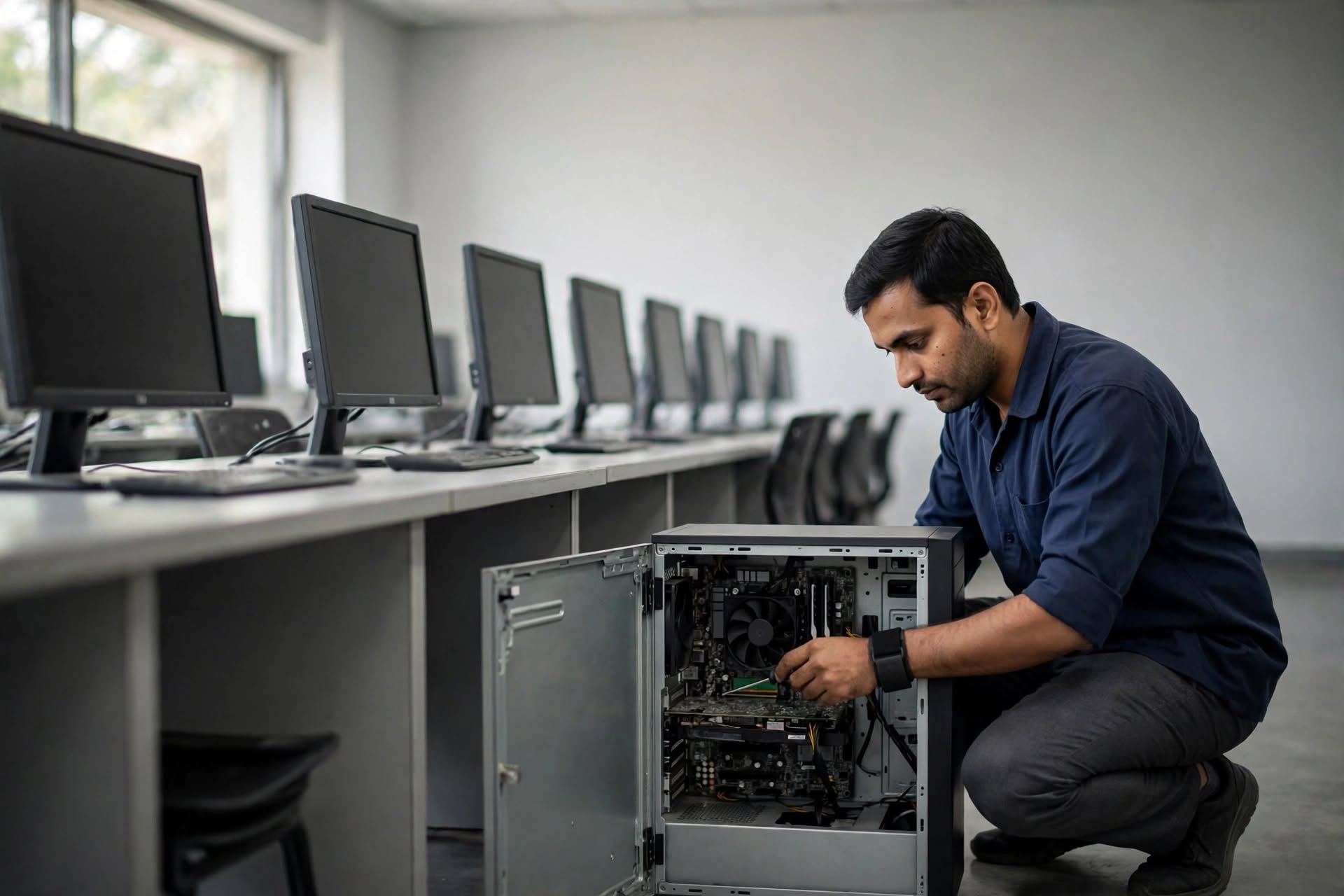
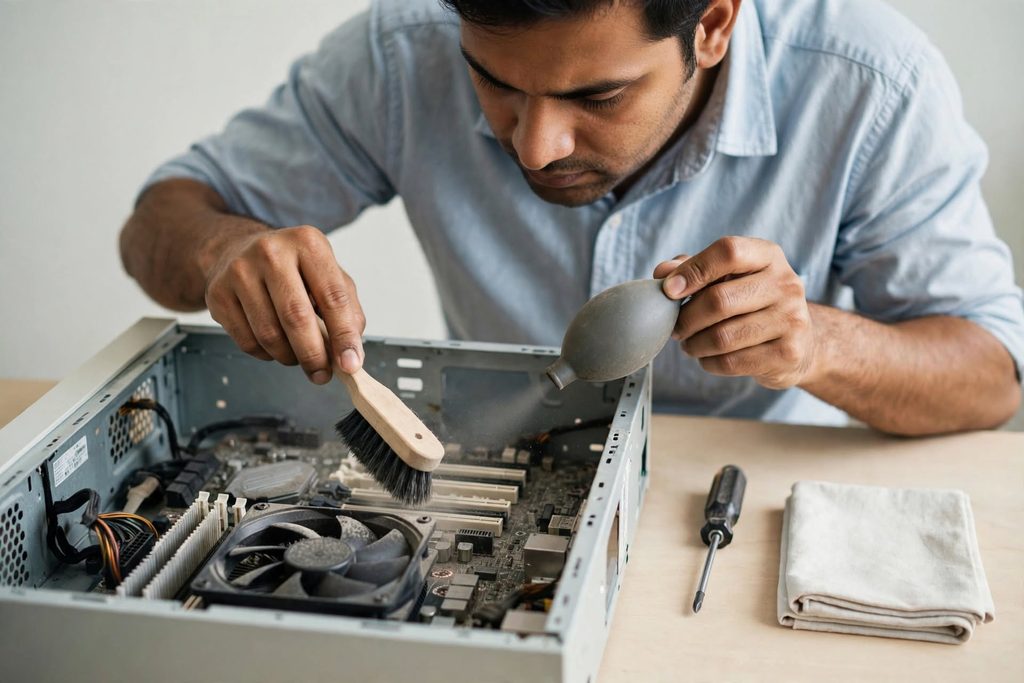
Most institute labs we open up show the same three things: dust packed into the power supply, a dead CMOS battery, and one machine nobody has switched on since last session. None of it is dramatic. All of it turns up on the morning of a practical exam.
A yearly contract is supposed to catch these before they matter. Many don’t, because of how the contract is written and when the visits are booked. Below are the seven mistakes we see most often in schools and colleges, and what to check instead.
What does a computer AMC for schools and colleges cover?
A computer AMC for schools and colleges covers preventive servicing and breakdown repair of the institute’s IT hardware for one year, at a fixed annual fee. Preventive work is scheduled. Breakdown support is on call.
Typical coverage on a campus includes:
- Lab desktops and staff laptops
- Printers and scanners in the admin block
- UPS units and their batteries (often excluded — check)
- Network switches, racks and access points
- Projectors and classroom display units (lamp and filter are usually excluded)
- Biometric attendance terminals at the gate
Write the device list into the contract. “All computers in the institute” is not a device list, and it is the line both sides argue about in month seven.
What a school computer lab AMC should include
A computer AMC for schools and colleges should include a fixed number of preventive visits per year, deep cleaning of cabinets and keyboards, a thermal and fan check, disk health reporting, and OS and antivirus updates on every lab machine.
Labs behave differently from offices. They sit shut for two months, then run six hours a day for a full term. That stop-start pattern kills power supplies and dries out thermal paste faster than steady daily use does.
7 costly mistakes institutes make with a computer AMC
1. Counting only the computers. A quote priced per PC leaves out the UPS, switches, projectors, printers and biometric units. Those are the devices that stop an exam or an admission queue. Count every device, then ask for a rate.
2. Booking visits in the middle of the semester. Preventive work needs machines switched off and opened up. Schedule it for vacation and the week before each term starts. Insist the dates go into the contract, not into an email.
3. Taking the lowest quote without reading the exclusions. The cheapest bid usually wins on paper and loses on parts. Read the exclusion list first, then compare prices. Two quotes are only comparable when they exclude the same things.
4. Assuming data backup is covered. Student records, exam results and accounts data usually sit on one admin machine with no copy anywhere. Backup is a separate line item in nearly every contract. Ask for it in writing.
5. Ignoring UPS batteries. Batteries age out in roughly three to four years and are almost always excluded from the contract. A lab with dead batteries loses unsaved work on every power cut, and the AMC vendor is within his rights to charge for them.
6. Signing without a device list showing age and condition. Without a dated list, a four-year-old machine and a four-month-old one cost the institute the same. Get every device recorded with its make, model, age and working condition on day one.
7. Renewing without checking which machines still get security updates. Microsoft ended support for Windows 10 on 14 October 2025. Educational organisations can buy Extended Security Updates for a maximum of three years, and the charges are cumulative: buying in year two means paying for year one as well, as set out on the Microsoft Extended Security Updates page. Decide this before you renew the contract, not after.
Comprehensive or non-comprehensive: which fits a campus?
Non-comprehensive covers labour and service visits only; you pay for parts. Comprehensive covers labour plus most spare parts at a higher fixed fee.
| Option | Best for | Watch out for |
|---|---|---|
| Non-comprehensive | Labs under 3 years old, machines still in brand warranty, institutes with a working spares budget | One failed motherboard can cross a year’s saving |
| Comprehensive | Mixed-age labs, campuses 4+ years old, institutes that need a fixed yearly figure for the budget | Exclusion list: batteries, lamps, cartridges, physical damage |
| Mixed (our usual advice) | Comprehensive on older labs, non-comprehensive on newer admin PCs | Needs a clean device list to work |
For a lab bought last year, we would not sell a comprehensive contract. The machines are under warranty and you would be paying twice. From year four, our answer changes.

What decides computer AMC cost for an institute?
Computer AMC cost is decided by device count, device age, how many preventive visits you want, and whether spare parts sit inside or outside the contract. Distance and number of campuses matter too, because each site needs its own visit.
The factors that move the figure most:
- Age mix. A lab of 2019 machines costs more to cover than a lab of 2025 machines.
- Visit frequency. Two visits a year versus four changes the price directly.
- Parts in or out. This is the single biggest swing between two quotes.
- Response expectation. Same-day attendance on exam days has a cost.
We don’t publish a per-machine rate, and you should be careful of anyone who does before seeing your lab. Final cost depends on a site survey.
How A&T Technologies handles computer AMC for schools and colleges
A&T Technologies is an IT sales and service company in Vapi, Gujarat, and we have handled 200+ AMC contracts across offices, plants and educational institutes.
Our process on a campus is plain. An engineer does a free site audit and lists every computer, printer, UPS and network device with its age and condition. We then tell you honestly which machines are worth covering and which are not. The contract states the visit schedule, inclusions, exclusions and the support process in writing. After every visit you get a report, and at renewal we review the year with you.
Breakdown support runs through call or WhatsApp, with a remote fix where that works and an on-site visit where it doesn’t.

Frequently asked questions about computer AMC for schools and colleges
Is a computer AMC for schools and colleges worth it for a 30-PC lab?
For 30 machines, usually yes, once the lab crosses its warranty period. Below that age, a non-comprehensive contract or paid per-visit servicing is often enough. The deciding factor is age mix, not machine count.
When should an institute schedule AMC visits?
Schedule preventive visits during vacation and in the week before each term begins. Machines must be powered down and opened for proper servicing, which is not possible mid-semester. Keep one slot reserved just before the practical exam season.
Does a school computer lab AMC cover projectors and UPS batteries?
Usually not. Projector lamps and filters, UPS batteries, printer cartridges and physical damage are standard exclusions in most contracts. Ask for them to be priced separately so the institute can budget for replacements instead of being surprised mid-year.
Is data backup included in a computer AMC?
Rarely. Backup of student records, results and accounts data is almost always a separate service. If your admin data sits on one machine with no copy, treat backup as a priority item and get it written into the scope
What should an institute check before renewing?
Check the past year’s visit reports, the list of devices that failed, which machines are now out of security support, and whether the device list still matches reality. Renew on a corrected list, not last year’s copy.
Get a device audit for Computer AMC for Schools and Colleges00
Send us your campus details and an engineer will list every computer, printer, UPS and network device with its age and condition, then recommend what is genuinely worth covering. No obligation to sign anything after the audit.
Call or WhatsApp: +91 88660 33354 · Email: sales_india@a-ttechnologies.com
Office: D-311, 3rd Floor, M-Cube, Near Bombay Restaurant, Balitha, Vapi – 396195, Gujarat
Contact us
Also read: Computer AMC services in Vapi: types and how to choose · 10 benefits of an annual maintenance contract for office computers · AMC services from A&T Technologies