

Last updated: October 2026
Quick answer: Professional firewall installation in Vapi protects corporate networks by filtering incoming traffic, securing remote Tally access, and preventing ransomware infections. A proper firewall installation in Vapi requires selecting appropriate throughput, setting bandwidth management controls, configuring secure SSL VPNs, and keeping security subscription licenses updated year-round.
When setting up network security for an office, warehouse, or manufacturing plant in Vapi, many business owners assume that a standard ISP broadband router provides sufficient protection. However, a router simply directs traffic; it does not inspect incoming data packets for malicious code, trojans, or unauthorized intrusion attempts.
In busy industrial corridors like Vapi GIDC, Sarigam, and Balitha, small and medium enterprises (SMEs) face increasing cybersecurity threats. From ransomware locking central accounting databases to unmonitored employee downloads consuming plant bandwidth, getting a dedicated firewall installation in Vapi is no longer optional—it is a core business necessity.
Why Standard ISP Routers Fail Without device setup
A basic Wi-Fi router connects your local area network (LAN) to the internet. However, it lacks deep packet inspection (DPI), intrusion prevention systems (IPS), and web content filtering. Without a dedicated firewall installation in Vapi, your internal servers, NAS drives, and office desktops remain directly exposed to external network scanning tools.
When choosing a firewall installation in Vapi, businesses replace open router ports with Next-Generation Firewalls (NGFW). These dedicated security appliances inspect all incoming and outgoing data at the application layer, ensuring malicious software is blocked before it reaches your primary server.
Protecting Tally Accounting Data and Remote Access
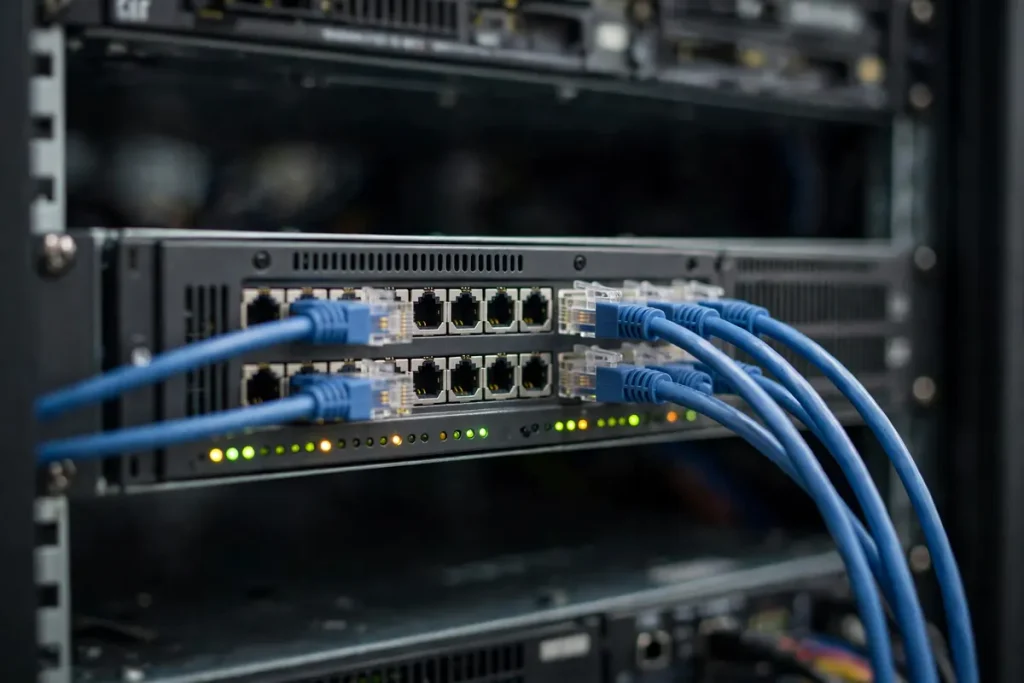
Many companies in Vapi run multi-user Tally setup across multiple plant offices or allow directors to check financial ledgers remotely. Opening direct RDP (Remote Desktop Protocol) ports on a standard router invites brute-force password attacks within hours. A professional firewall installation in Vapi establishes encrypted SSL VPN tunnels, allowing authorized remote access while keeping accounting databases completely hidden from the public internet.
5 Essential Checks Before system configuration
Planning a hardware security upgrade? Here are the five critical checks our field engineers recommend before carrying out a firewall installation in Vapi.
- Calculate Firewall Throughput Based on Internet SpeedsIf your office uses a 300 Mbps fiber line, buying an entry-level firewall rated for only 100 Mbps Threat Protection throughput will slow down your entire network. Match firewall throughput ratings directly to your current internet bandwidth and anticipated user growth over the next three years.
- Configure Bandwidth Management and Traffic ShapingIn manufacturing units across Vapi GIDC, non-essential video streaming can hog internet bandwidth needed for ERP uploads, email attachments, and IP camera feeds. During firewall installation in Vapi, engineers set quality of service (QoS) rules to prioritize critical business applications over recreational browsing.
- Set Up Strict Web Content Filtering PoliciesUnmonitored web browsing on office computers is the primary entry vector for malware and phishing scams. A properly configured firewall installation in Vapi blocks dangerous file extensions, suspicious download sites, and unverified torrent networks automatically.
- Implement User-Based SSL VPN AccessNever expose server IP addresses directly to the open internet for remote workers. During your firewall installation in Vapi, ensure engineers configure two-factor authenticated (2FA) SSL VPN client profiles on directors’ laptops and remote accounting systems.
- Maintain Active Unified Threat Management (UTM) LicensesHardware firewalls rely on continuous threat intelligence updates from global security databases to block newly discovered zero-day exploits. Purchasing hardware without renewing annual UTM subscription licenses leaves your system blind to recent threats after year one.
Firewall vs Standard Router: Key Security Differences
| Feature | Standard ISP Router | Hardware Firewall Installation |
| Packet Inspection | Basic Header Checks | Deep Packet Inspection (DPI) |
| Intrusion Prevention | Not Available | Active IPS Threat Shield |
| Remote Access | Vulnerable Open Ports | Encrypted SSL VPN Tunnels |
| Bandwidth Control | None / Limited | Precise QoS Application Rules |
| Content Filtering | None | Category & Domain URL Blocking |

Ransomware Risks and CERT-In Compliance for Vapi SMEs
Cybersecurity advisories issued by national monitoring bodies like CERT-In highlight the growing risk of ransomware targeting unpatched perimeter devices. When a workstation on an unmonitored LAN opens a malicious email attachment, ransomware spreads sideways across shared network drives within minutes.
Executing a systematic firewall installation in Vapi allows network administrators to create isolated VLANs (Virtual Local Area Networks). Isolating office computers from production floor PLCs, guest Wi-Fi networks, and backup storage servers prevents localized malware infections from crippling your entire business.
How A&T Technologies Handles Firewall Installation in Vapi
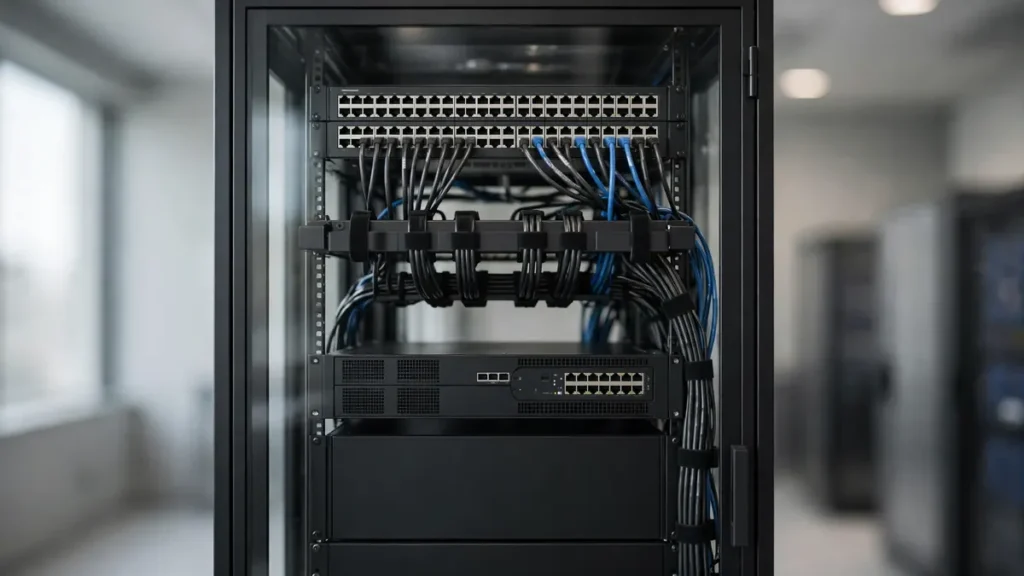
At A&T Technologies, we do not simply sell firewall hardware and walk away. Every firewall installation in Vapi begins with an on-site network audit to evaluate current topology, server configurations, and internet entry points.
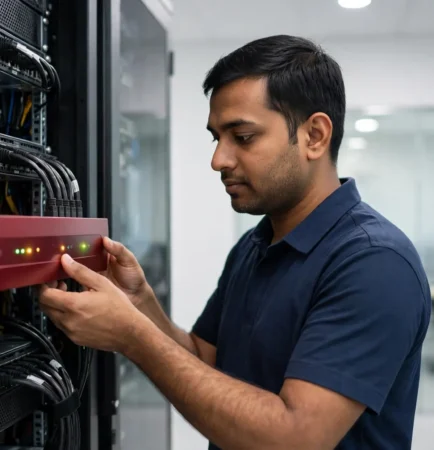
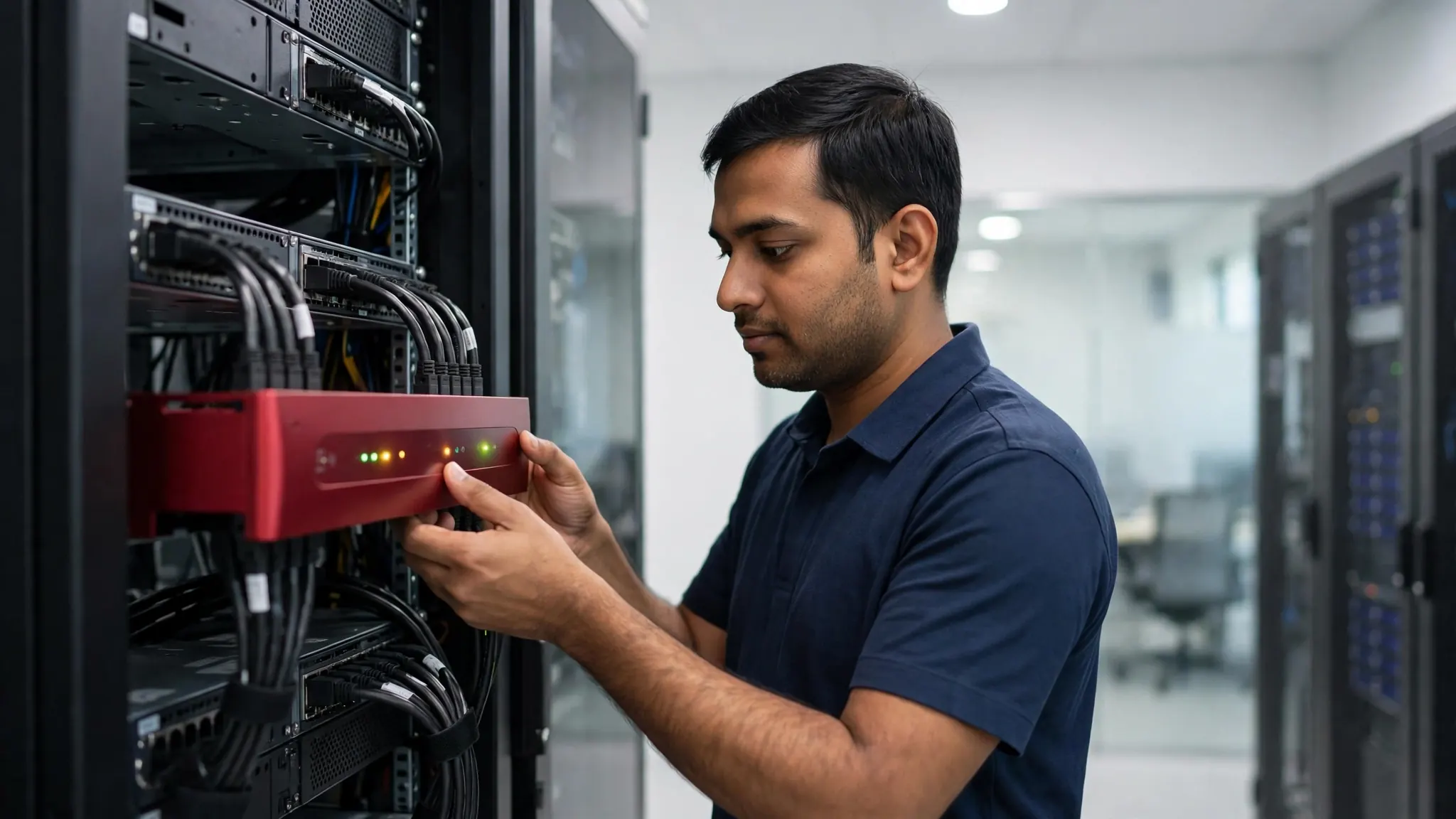
Our certified engineers handle physical rack mounting, initial firmware hardening, WAN failover configuration, bandwidth rule setup, and VPN deployment. Whether you need a fresh firewall installation in Vapi for a corporate office in M-Cube or a multi-WAN security deployment for a manufacturing plant in Balitha, we provide reliable local setup and ongoing field support.
Frequently Asked Questions About Firewall Installation in Vapi
Does my small business really need a firewall installation in Vapi?
Yes. Any office using internet-connected computers, shared server drives, IP security cameras, or remote Tally access requires a firewall installation in Vapi. Standard broadband routers lack the security features needed to block automated malware scans and unauthorized remote access attempts.
Which firewall brand is best for an office in Vapi?
The choice depends on user count and required throughput. Leading enterprise brands like Sophos, Fortinet, and SonicWall offer excelente Unified Threat Management (UTM) options for small and medium businesses. During a firewall installation in Vapi, we help select the model that fits your user scale and network speed.
How long does a typical firewall installation in Vapi take?
For a standard office setup with 15 to 30 users, a complete firewall installation in Vapi—including network backup, firmware updating, rule creation, and client VPN setup—is usually completed within 4 to 6 hours with minimal operational downtime.
What happens if our primary internet connection goes down?
Modern firewall installation in Vapi supports multi-WAN load balancing and automatic failover. If your primary fiber link disconnects, the firewall switches network traffic to your backup broadband or 4G/5G connection automatically without interrupting ongoing operations.
Schedule Your Firewall Installation in Vapi Today
Is your office network running unprotected behind a basic router? Secure your business data with a professional security evaluation.
Call or WhatsApp: +91 88660 33354 · Email: sales_india@a-ttechnologies.com
Office: D-311, 3rd Floor, M-Cube, Near Bombay Restaurant, Balitha, Vapi – 396195, Gujarat
Also read: Why Businesses Need Professional IT Services & Consulting · Computer AMC Services in Vapi: Types and How to Choose