

Last updated: October 2026
Quick answer: Engaging a professional data recovery service in vapi helps business owners retrieve lost accounting ledgers, corrupted database files, and inaccessible server volumes caused by mechanical drive failure, electrical surges, or accidental formatting. A reliable data recovery service in vapi relies on cleanroom diagnostics, sector-by-sector disk cloning, and specialized file system reconstruction rather than risky automated software tools.
It usually starts on a quiet Monday morning in Vapi GIDC or Chala. An accountant turns on the primary desktop, expecting to file GST returns or process supplier bills, only to hear a faint clicking noise coming from inside the computer case. Seconds later, Windows displays a blue screen error, or a message pops up stating that the storage drive must be formatted before use.
In an industrial town where business records, Tally database folders, and production schedules live on local storage media, disk failure feels like an immediate operational crisis. Turning to a qualified data recovery service in vapi is the safest way to extract critical files without causing permanent magnetic disk damage.
Why Drive Storage Fails Frequently in Vapi Industrial Belts
In controlled corporate environments, hard disk drives and solid-state drives (SSDs) routinely reach their expected four-to-five-year lifespans. However, computers deployed across manufacturing units in Vapi, Sarigam, and Balitha operate under far harsher ambient conditions.
Understanding why storage media breaks down helps you identify when to stop using a damaged drive and contact a certified data recovery service in vapi:
- Continuous Power Fluctuations and Sudden Outages: Unstable electrical grids during monsoon months cause power supply units (PSU) to deliver sudden voltage spikes. This fries drive controller logic boards (PCB) and damages delicate read/write heads.
- Microscopic Industrial Dust and Chemical Fumes: Fine chemical dust and high ambient humidity alter thermal dissipation inside PC cases, causing drive motors to overheat and seize up.
- Physical Wear and Mechanical Degradation: Hard disks contain physical platters spinning at 7,200 RPM. Over time, mechanical bearings wear out, resulting in bad sectors and unreadable file structures.
Logical Corruption vs Physical Drive Damage
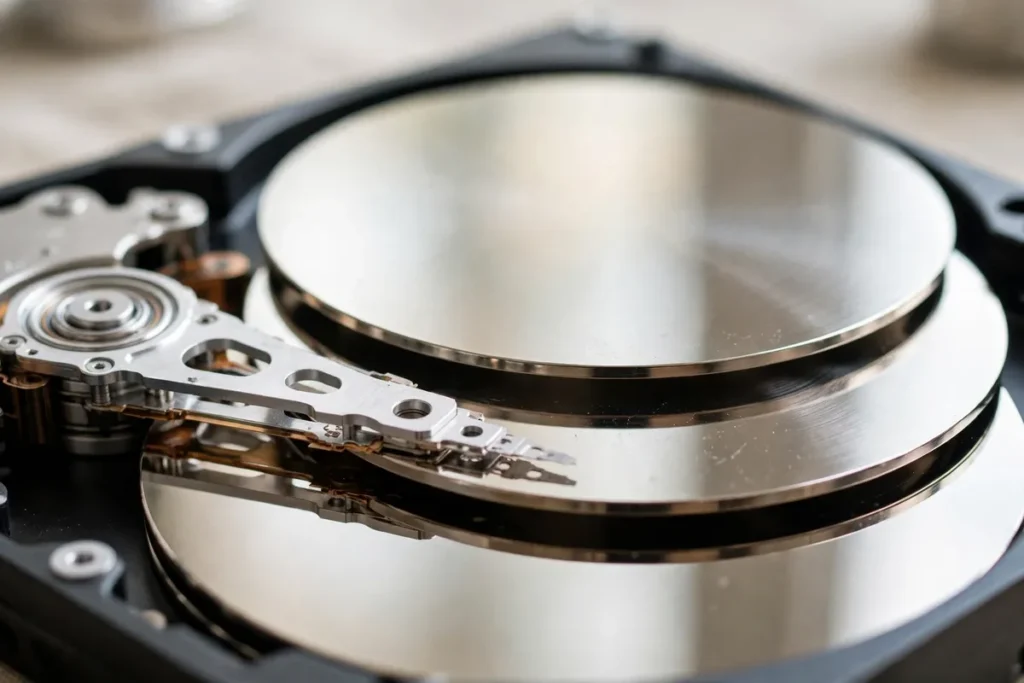
Before attempting any recovery steps, a seasoned data recovery service in vapi evaluates whether your storage media has suffered logical corruption or physical hardware damage.
Logical corruption occurs when file systems (NTFS, FAT32, or EXT4) become scrambled due to forced shutdowns or malware, leaving physical drive components intact. Physical damage, on the other hand, involves failed spindle motors, clicking actuator arms, or burnt circuit boards. Trying to run DIY software utilities on a physically clicking drive will grind the magnetic platters, making a professional data recovery service in vapi impossible.
7 Proven Steps to Safely Recover Lost Business Files
If your office computer or storage server stops recognizing a hard drive, following a structured recovery protocol protects your data from permanent destruction. Here are seven field-tested recommendations provided by our data recovery service in vapi experts:
- Stop Using and Power Down the Damaged Drive ImmediatelyThe moment you hear clicking, grinding, or buzzing noises, shut down the computer. Continuing to power up a mechanically damaged hard disk causes the read/write heads to drag across the magnetic platters, destroying raw data tracks within minutes.
- Avoid Installing Free Recovery Software on the Affected Storage DriveDownloading and running internet recovery tools directly onto the drive containing missing files overwrites the very sector blocks you are trying to rescue. A reputable data recovery service in vapi always mounts candidate drives in read-only mode to prevent overwriting existing data.
- Check Drive Cable Connections and Enclosure PowerSometimes an external hard drive or desktop secondary disk stops appearing due to a loose SATA cable or a failed USB bridge controller. Before assuming the drive motor has failed, test the media with a fresh cable on an isolated bench computer.
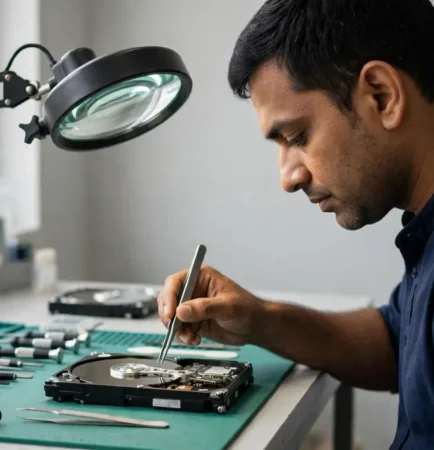
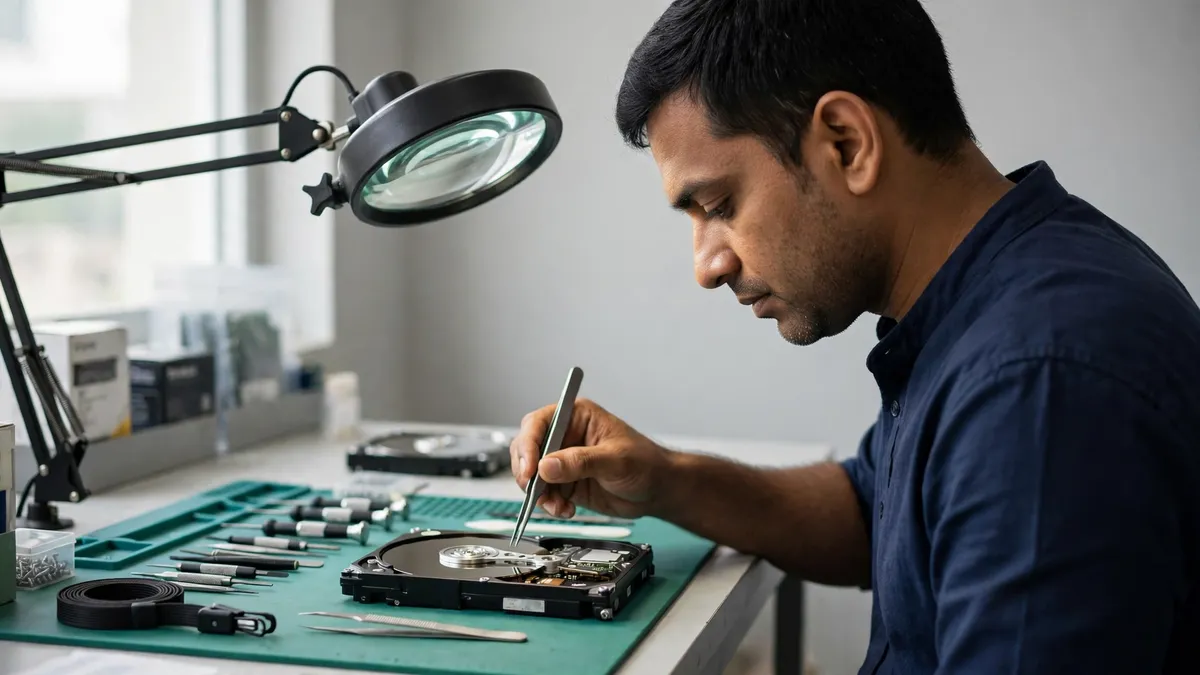
- Never Open Hard Drive Covers Outside a Cleanroom EnvironmentOpening a hard disk drive casing in a standard office or workshop instantly exposes spinning platters to dust particles. A single dust speck sandwiched between the platter and the read head causes head crashes. Professional data recovery service in vapi facilities open drive assemblies strictly inside ISO-certified cleanroom benches.
- Perform Sector-by-Sector Disk Imaging FirstWhen handling drives with developing bad sectors, an experienced data recovery service in vapi creates a bit-level clone of the drive onto healthy media. All file extraction and directory repairs are performed on the cloned image, keeping the original media safe from physical degradation.
- Target Critical Financial Folders Before Full Volume ExtractionIn emergency cases where a damaged drive has limited remaining read life, engineers prioritize essential databases—such as Tally data folders, PDF invoices, and CAD drawings—rather than wasting drive cycles recovering non-essential operating system files.
- Verify Recovered Data Integrity Before Restoring to Active ProductionOnce files are extracted, a thorough data recovery service in vapi checks database structures to ensure ledgers open without index errors. Extracted data should always be saved onto a brand-new, health-checked storage drive before being re-integrated into office computers.
Comparing Storage Recovery Scenarios
| Storage Media | Common Failure Symptom | Complexity Level | Primary Recovery Method |
| Mechanical HDD (3.5″ / 2.5″) | Clicking noise, drive not spinning, slow read | Moderate to High | Head assembly replacement & platter imaging |
| Solid State Drive (SSD) | Sudden dead drive, controller bricked | High | NAND flash chip-off & controller emulation |
| NAS / RAID Server Array | Degraded array, multiple drive failure | Very High | RAID volume reconstruction & parity rebuild |
| USB Flash Drive / SD Card | “Format disk” prompt, snapped connector | Low to Moderate | Controller bypass & direct NAND memory dump |
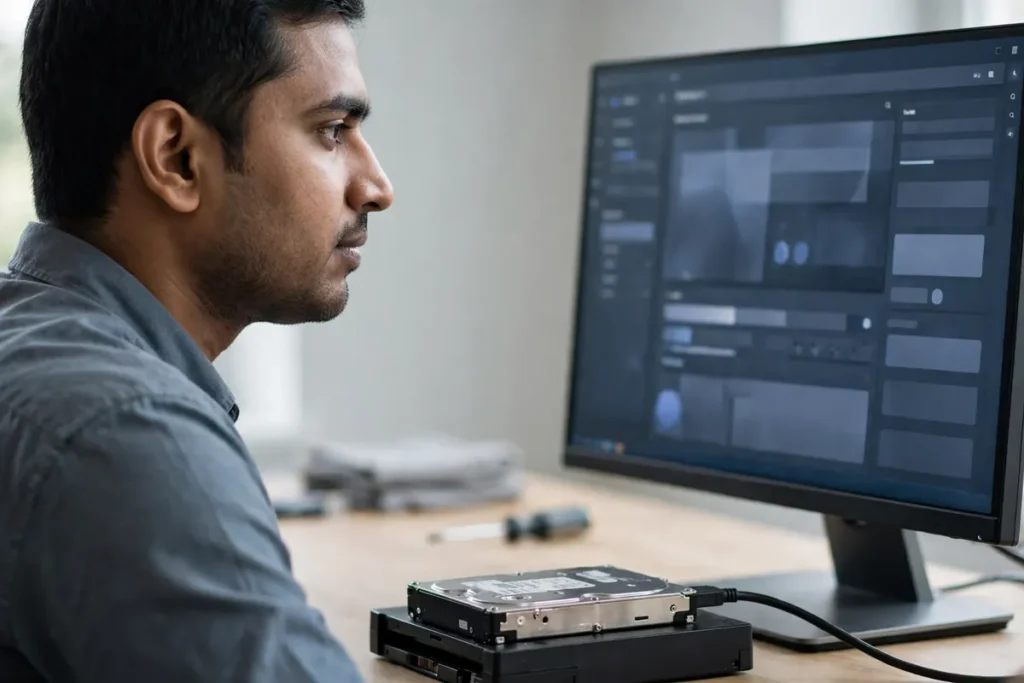
Rescuing Corrupted Tally Records and NAS Storage Volumes
For manufacturing and trading firms in Vapi, losing access to central accounting databases or multi-drive NAS backup servers can freeze business operations completely. When a multi-user Tally server crashes due to sudden power loss, database index files often become unreadable.
A specialized data recovery service in vapi utilizes hex-level database repair utilities to rebuild corrupted Tally data structures, restoring transaction histories and customer ledgers without forcing you to re-enter months of manual vouchers.
Similarly, when RAID arrays inside NAS devices suffer controller failure or dual disk dropouts, professional engineers manually reconstruct RAID stripe parameters to extract shared corporate folders safely.
How A&T Technologies Handles Data Recovery in Vapi
At A&T Technologies, we understand that lost data represents lost time, revenue, and customer trust. We approach every recovery case with absolute transparency and strict data confidentiality.
Our data recovery service in vapi process starts with a thorough hardware diagnostic. We identify whether your drive requires PCB repair, firmware recalibration, bad sector cloning, or logical file structure repair.
Whether you need urgent assistance recovering a corrupted Tally database for an office in M-Cube or extracting critical files from a failed server drive in Vapi GIDC, our local engineering team provides clear assessments, safe recovery procedures, and dependable support across Vapi, Silvassa, and Daman.
Frequently Asked Questions About Data Recovery Services
Can a clicking hard drive be fixed with software?
No. A clicking sound indicates a severe mechanical failure of the actuator arm or read/write head assembly inside the hard disk drive. Software cannot repair broken physical components. Power off the drive immediately and consult a professional data recovery service in vapi.
How much does a professional data recovery service in vapi cost?
Recovery costs depend on the nature of the damage. Logical recovery (reconstructing deleted partition tables or corrupted file systems) is less complex than physical mechanical repair (which requires donor hardware parts and cleanroom work). A proper diagnostic evaluation is necessary to provide an accurate estimate.
Can deleted files be recovered from an SSD?
Data recovery from SSDs is more complex due to background TRIM commands that erase deleted memory blocks automatically. However, if an SSD fails due to controller errors or power surges, specialized hardware tools can often extract raw data directly from the NAND flash chips.
How long does a typical data recovery process take?
Standard logical recoveries and sector cloning for minor bad sectors are usually completed within 24 to 48 hours. Complex mechanical recxoveries requiring donor part sourcing and deep platter imaging may take three to five business days.
Safeguard Your Critical Business Files Today
Experiencing storage drive failure or corrupted database errors? Contact local engineers for a diagnostic evaluation before attempting risky software fixes.
Call or WhatsApp: +91 88660 33354 · Email: sales_india@a-ttechnologies.com
Office: D-311, 3rd Floor, M-Cube, Near Bombay Restaurant, Balitha, Vapi – 396195, Gujarat
Also read: Firewall Installation in Vapi: 5 Essential Checks for SMEs · Computer AMC Services in Vapi: Types and How to Choose