

Last updated: November 2026
Quick answer: Laptop repair in Vapi is worth the money when the fault is cheap and the laptop is healthy: a dead charger, dust, a slow disk or a cracked screen. Replace it when the quote nears half the price of a new laptop, or the model is too old for current Windows. Seven symptoms below help you decide.
Most laptops that need repair in Vapi are not dead. They have a dusty fan, an old hard disk, or a charger that the last voltage swing killed. The harder question is whether the repair is worth the money.
A&T Technologies, an IT sales and service company in Vapi, Gujarat, wrote this for office staff, business owners and families who want a straight answer on laptop repair in Vapi. For each symptom we give the usual cause and a clear verdict: repair or replace.
Table of Contents
What does laptop repair in Vapi usually involve?
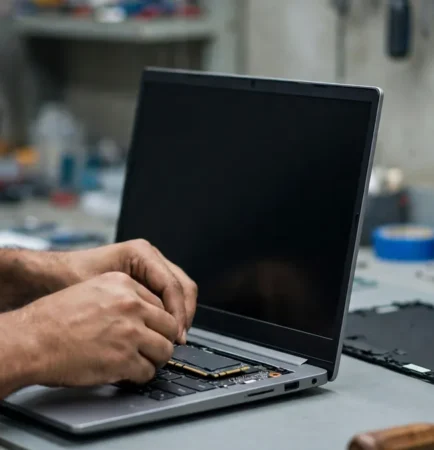
Laptop repair in Vapi usually means one of five jobs: fixing a charger or power fault, cleaning and re-pasting an overheating fan, upgrading to an SSD, replacing a screen or battery, and repairing liquid damage. Computer repair in Vapi follows the same logic for desktops. Our Computer Solutions service covers sales, repair and upgrades.
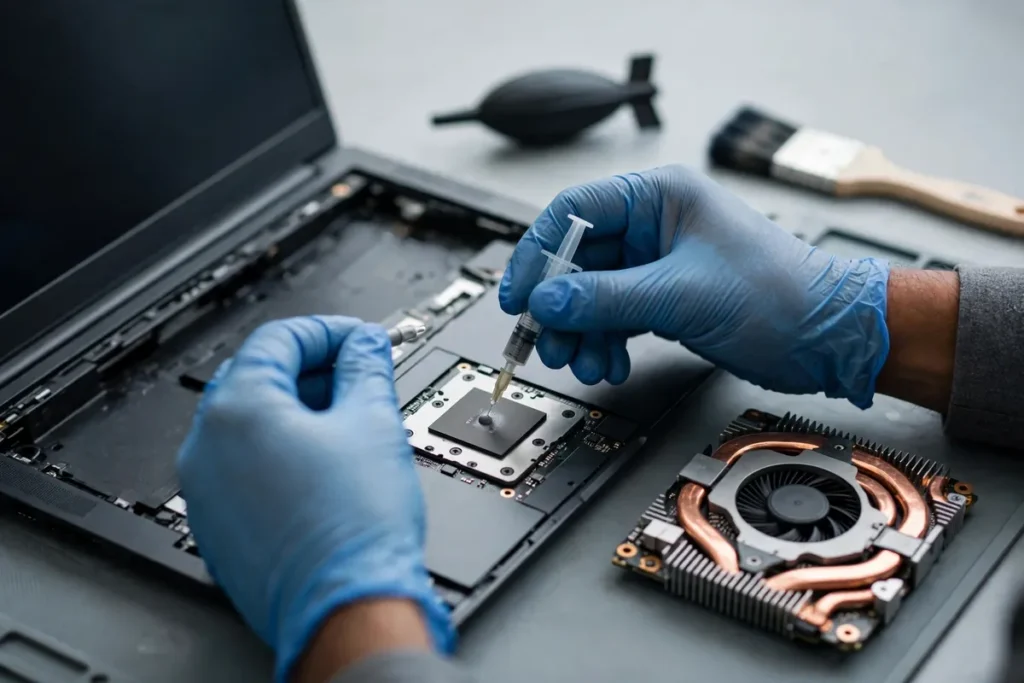
Laptop repair in Vapi: 7 symptoms and whether to fix or replace
Our rule of thumb: repair when the quote is well under half the price of a similar new laptop. Above that, replace. Follow the symptom.
Symptom 1: The laptop will not switch on
Test the charger on another laptop first. Voltage swings often kill the adapter before they touch the board. If the charger is fine and a new one does not help, the board or charging port needs a bench check. Verdict: usually repair.
Symptom 2: It is slow or hangs
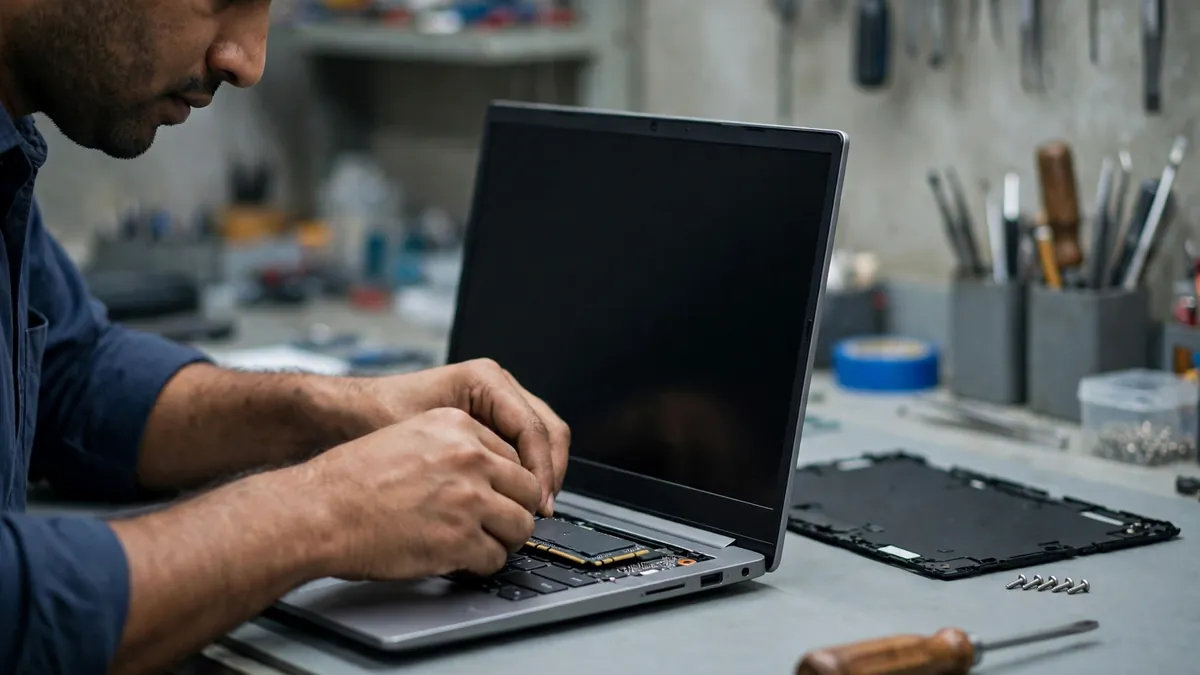
If it still has an old hard disk, an SSD upgrade with a clean Windows install is the best-value fix. Add memory only if the model allows it. Verdict: repair, unless the model is too old for current Windows.
Symptom 3: It overheats or the fan is loud
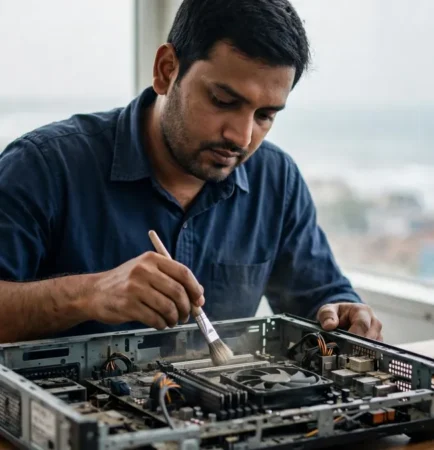
Dust is the usual cause, and it builds fast in Vapi GIDC offices. Cleaning the fan and heat sink and replacing the thermal paste fixes most cases. Verdict: repair, and do it before the laptop starts shutting off by itself.
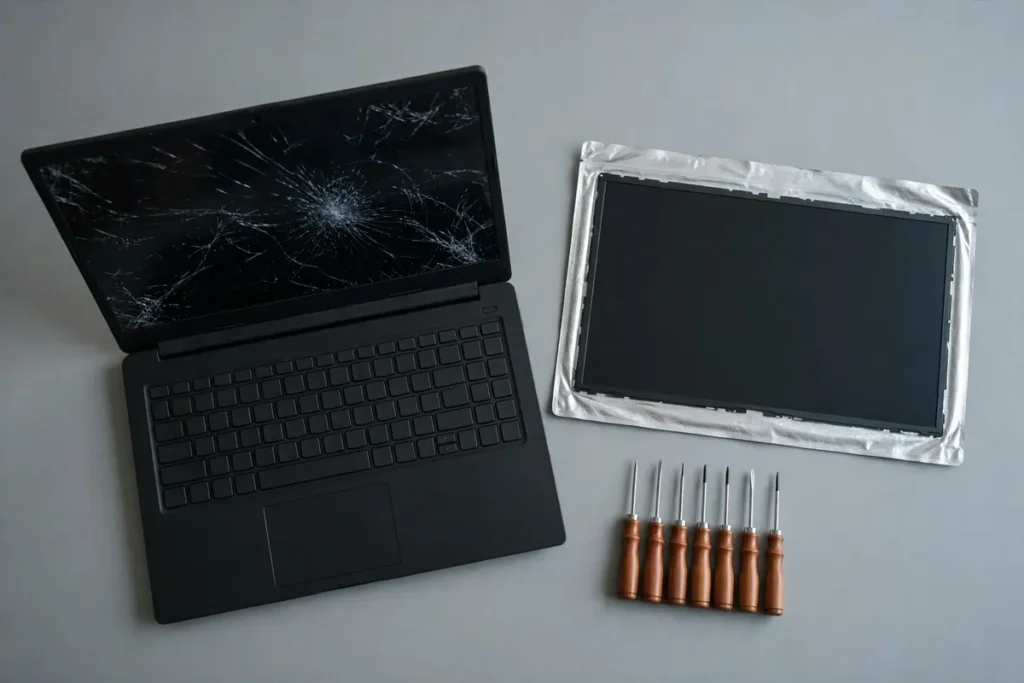
Symptom 4: The screen is cracked or flickering
A new panel is the only real fix, and the price depends on the model. Ask for the panel cost in writing. Verdict: repair if the laptop is otherwise healthy, replace if the quote nears half the price of a new one.
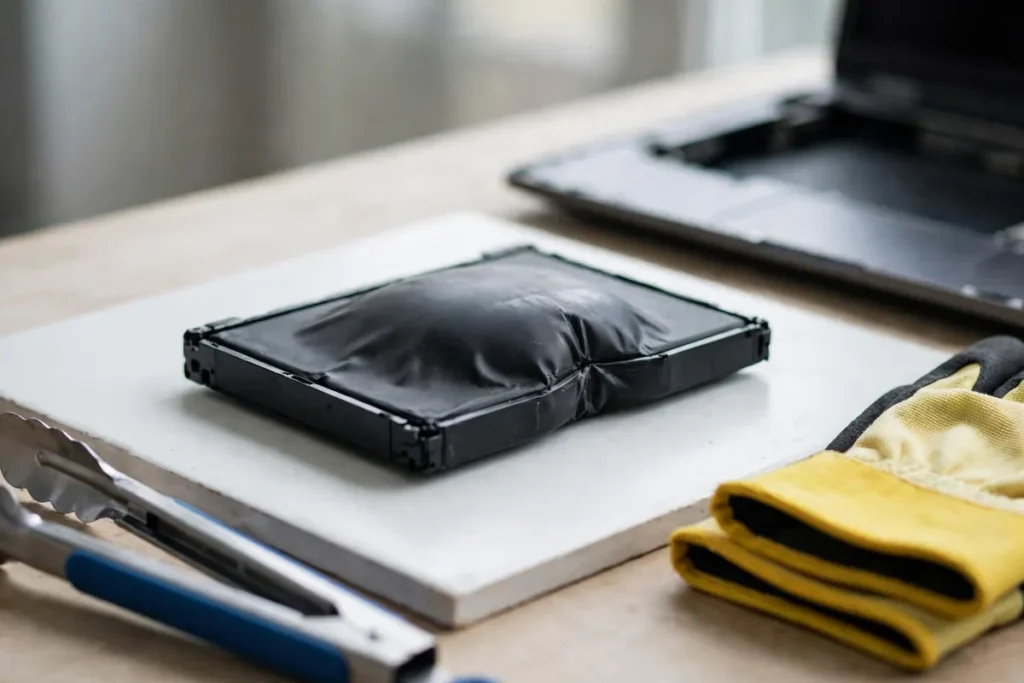
Symptom 5: The battery drains fast or the body bulges
A bulging battery is a safety risk. Stop using the laptop and unplug the charger. Do not press or pierce the battery, as Dell’s guidance on swollen batteries states, and do not keep charging it. Verdict: replace the battery now.
Symptom 6: Liquid was spilled on the keyboard
Lenovo’s support FAQ says to switch off and unplug at once, not to flip the laptop to drain it, and to wait until it is fully dry. Do not switch it on to test. Verdict: repair if you act fast, because liquid left inside keeps corroding the board.
Symptom 7: The laptop still runs Windows 10
Microsoft ended free support on 14 October 2025, as its Windows 10 support page states, so these laptops no longer get free security fixes. Check if the model can run Windows 11. Verdict: upgrade if it qualifies, replace if it does not.
Laptop service center in Vapi or an independent repair shop?
Use the brand’s laptop service center in Vapi while the warranty is active, because repairs done elsewhere can void it. After the warranty ends, an independent shop gives you more choice, such as repairing a board instead of replacing it.
| Situation | Best choice | Watch out for |
|---|---|---|
| Laptop under warranty | Brand service centre | Third-party repair may void it |
| Out of warranty, common fault | Local repair shop | No written estimate |
| Data matters more than the laptop | Back up first, then repair | Formatting before copying files |
| Old laptop, large quote | Replace | Paying more than the laptop is worth |
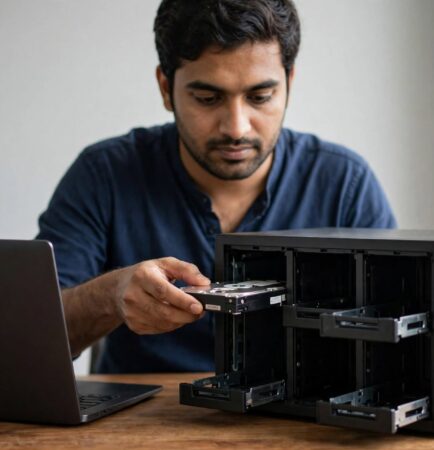
Back up your files before any computer repair in Vapi. If the disk is already failing, see our data recovery service in Vapi guide. If your team cannot wait, you can also rent a laptop in Vapi for the repair period.
How A&T Technologies handles laptop repair in Vapi
A&T Technologies deals in desktops, laptops, repairs and upgrades, and its website reports 4,500+ products fixed. For laptop repair in Vapi, we start with a diagnosis and an honest recommendation, including when a laptop is not worth fixing. Call or WhatsApp first so we can tell you what to bring. For computer repair in Vapi, we handle desktops too.
Offices with many laptops can move from pay-per-repair to a contract, as our computer AMC services in Vapi guide explains.

Frequently asked questions about laptop repair in Vapi
How much does laptop repair in Vapi cost?
Cost depends on the fault, the laptop model and the spare part. A cleaning or SSD upgrade costs far less than a screen or board repair. A fair quote comes after diagnosis, so ask for a written estimate before you approve any work.
How much does laptop repair in Vapi cost?
Cost depends on the fault, the laptop model and the spare part. A cleaning or SSD upgrade costs far less than a screen or board repair. A fair quote comes after diagnosis, so ask for a written estimate before you approve any work.
Is it worth repairing an old laptop?
Often not. If the laptop cannot run current Windows, or the quote is close to half the price of a similar new laptop, replacing is the better spend. Laptop repair in Vapi makes sense when the laptop is healthy and the fault is cheap.
Should I use a laptop service center in Vapi or a local shop?
Use the brand’s laptop service center in Vapi while the warranty is active, because repairs elsewhere can void it. After the warranty ends, a local shop gives you more choice. Either way, back up your files first and get a written estimate.
What should I do before laptop or computer repair in Vapi?
Copy your important files to another disk, note your passwords, and remove the charger bag and extra accessories. If liquid was spilled, switch the laptop off and do not turn it on again. Ask for a written estimate before any laptop repair in Vapi begins.
Get your laptop checked in Vapi
Need laptop repair in Vapi? Call or WhatsApp us with the symptom and the laptop model, and we will tell you if repair makes sense or if replacing is the smarter spend. If it is not worth fixing, we will say so.
Call or WhatsApp: +91 88660 33354 · Email: sales_india@a-ttechnologies.com
Office: D-311, 3rd Floor, M-Cube, Near Bombay Restaurant, Balitha, Vapi – 396195, Gujarat
Contact us
Also read: IT support in Vapi GIDC: 7 common problems and proven fixes